BUILT FOR THE WORK BEHIND THE BUSINESS

One place
to run the day.

TICKET brings your team, tasks, inventory, customers, invoices, and payments into one operating system. It is designed for restaurants, retail establishments, and service businesses that have outgrown disconnected tools.

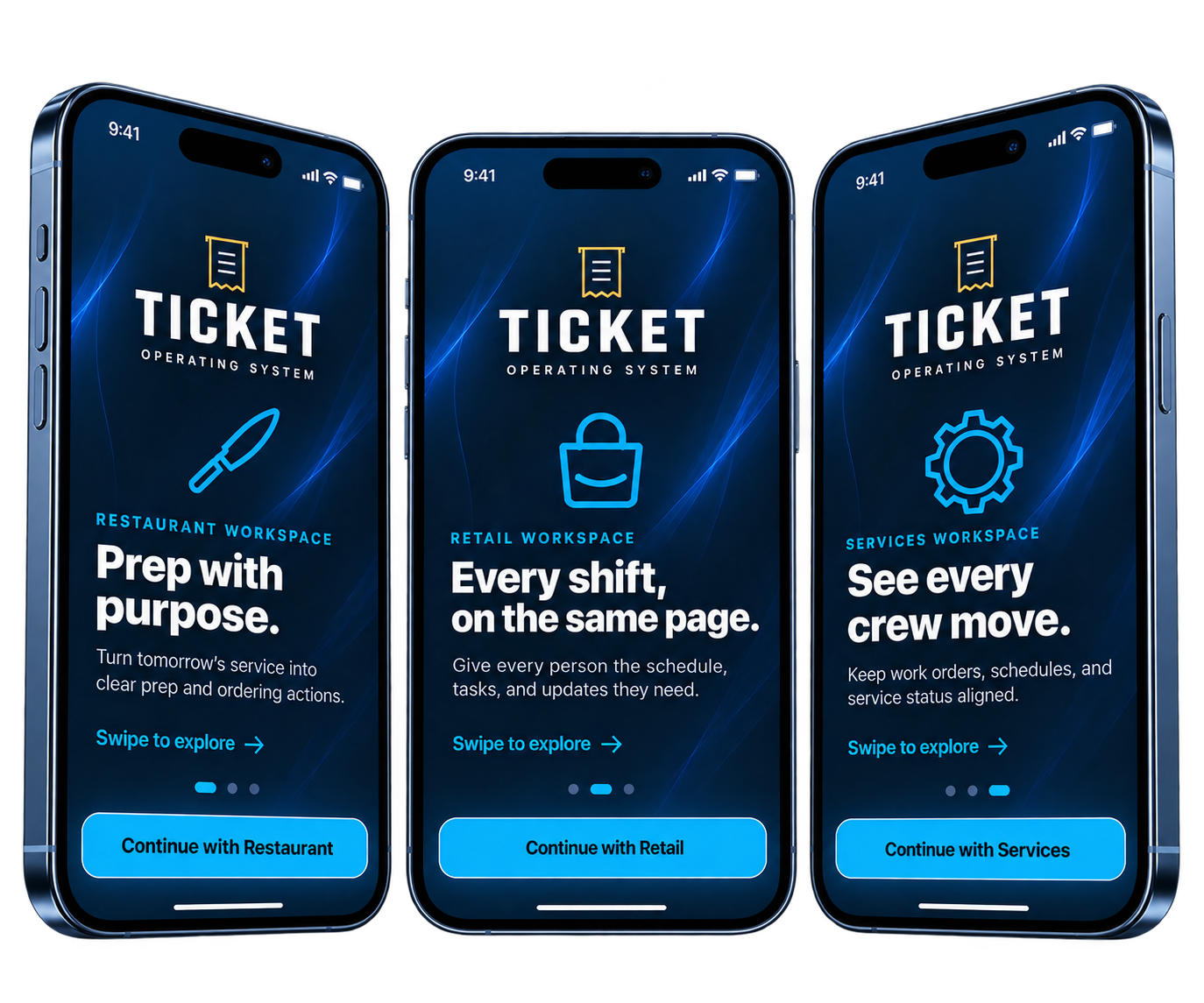
TICKET operating system shown across restaurant, retail, and services workspaces

01 / WORKSPACES

Built around
the way you work.

Every TICKET workspace shares the same foundation—people, work, inventory, customers, reporting, and payments—then adapts it to the needs of your business.

01
✦

RESTAURANTS

Keep service
prepared.

Give managers and kitchen teams one reliable place to plan prep, manage recipes and purchasing, monitor inventory, coordinate events, and hand off the shift.

  • Prep and recipe costing
  • Inventory and purchasing
  • Service and shift oversight
02
□

RETAIL

Keep every
shift aligned.

Make schedules, assignments, stock levels, customer activity, and sales visible to the people responsible for the floor.

  • Inventory and task control
  • Team and shift visibility
  • Sales and customer records
03
◎

SERVICES

Move work from
booked to paid.

Manage customers, appointments, work orders, estimates, invoices, and payment status without rebuilding the same information in several apps.

  • Jobs and work orders
  • Estimates and invoices
  • Scheduling and reporting

HOW IT WORKS

01

Choose a workspace

Start with Restaurant, Retail, or Services so the system reflects the work your team already does.

02

Run the operation

Assign work, check progress, manage stock, serve customers, and keep each update attached to the right record.

03

Bill and collect

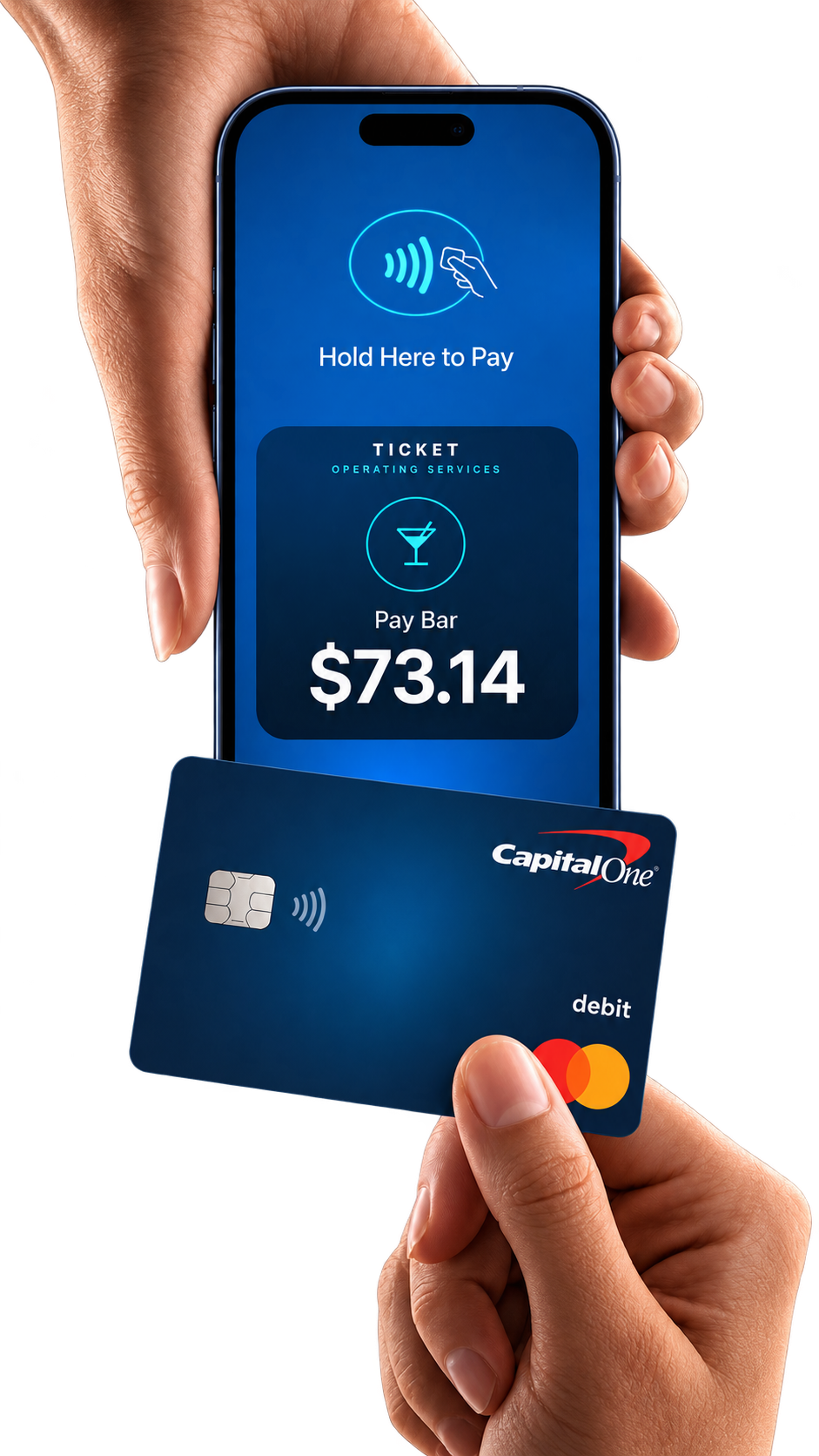
Create an invoice or accept a contactless payment, then keep the transaction with the customer, order, or job.

02 / INVOICING AND PAYMENTS

From finished work
to paid.

Payment should be the last step in the workflow, not a separate process. TICKET lets a business prepare and send an invoice, follow outstanding balances, or take a contactless payment from a compatible phone.

01

Prepare the invoiceCreate drafts, set due dates, and keep a clear record of what was billed.

02

Take payment in personA customer can hold a contactless card or supported wallet near the device to pay.

03

Keep the record completePaid, unpaid, and overdue amounts stay connected to the customer and the work performed.

Payment features and processor availability may vary by device, region, and approved integration. Product visuals are illustrative and do not imply endorsement by the card issuer shown.
EARLY ACCESS

A simpler way
to run the business.

Join the early-access program and help us shape TICKET around the needs of working operators and their teams.